The book recap built around where you left off
Get a personalized Story Recap so you remember what mattered before you turn the next page—without spoilers.
Search for a book to start
Type a title or author name to begin building your recap.
Remember what matters—without rereading from page one
Coming back to a book after days or months away shouldn’t mean rereading from the start. Get a recap based on where you stopped and focused on what’s worth holding onto.
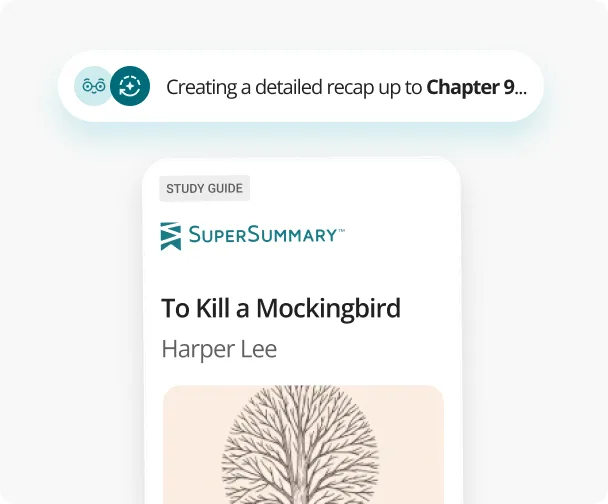
Starts at your bookmark
Recaps built around exactly where you stopped reading—so you can jump back in without missing a beat.
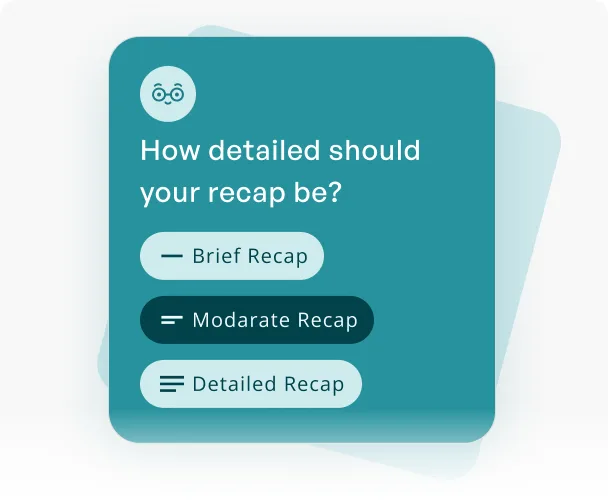
Matched to your memory
Pressed for time or want every detail? The depth adapts to how much of the story you need to bring back.
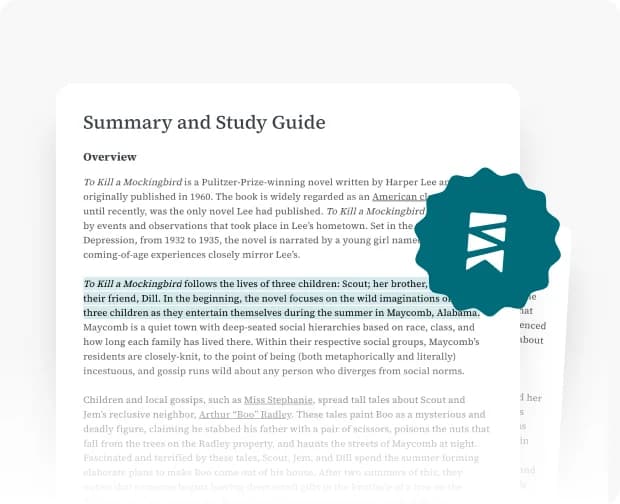
Built on real expertise
Expert-crafted Study Guides power every recap, so you’re never working from a generic summary.
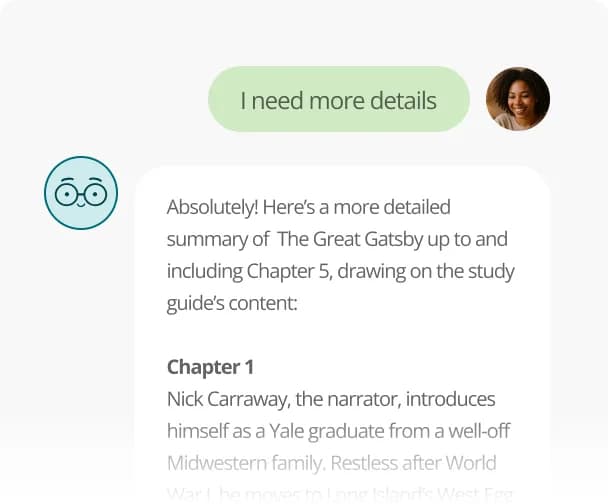
Ready to refine
Want less detail or a recap of just the last two chapters? Ask for a new angle and get one in seconds.
Story recaps are just the beginning
One Plus membership. Catch up, keep up, or go deeper—with every tool you need to stay close to every book you read.
10,000+ Study Guides
Pair every recap with in-depth literary analysis. Our Study Guides cover themes, character breakdowns, symbols, and more—for thousands of titles.
Take it anywhere
Recap on your terms. Listen to audio-narrated Study Guides on your commute, download PDFs for offline reading, or pick up where you left off on any device.
Every tool in one place
Story Recaps, Quizzes, Discussion Questions, Timelines, and Ask SuperSummary—everything you need to follow along and go deeper, all in one place.
With Plus you’ll get unlimited recaps, and…
Find the right tool for any reading moment
Whether you're prepping for class, settling into a series, or hosting friends, we have a tool for you. Pick one to try next.
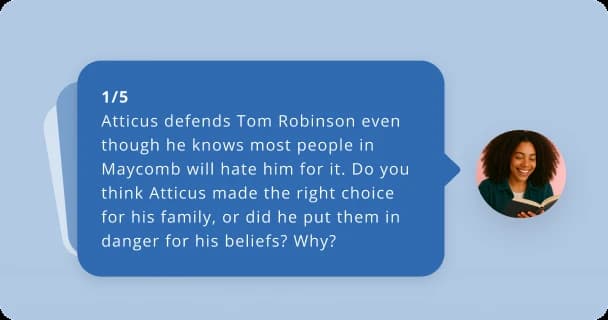
Discussion Questions
Back in the story? Take the conversation deeper with tailored prompts that move past the plot into the moments worth discussing.
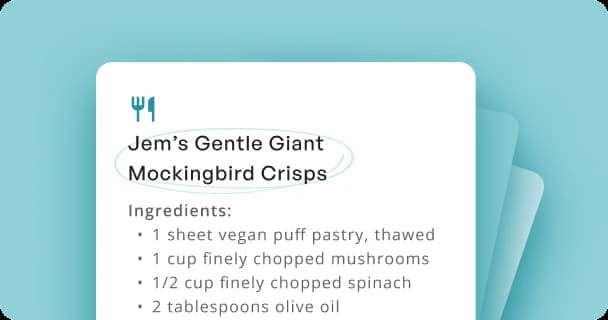
Book-Inspired Recipes
Find dishes pulled straight from the world of your book, ready for your next book club or themed night in.
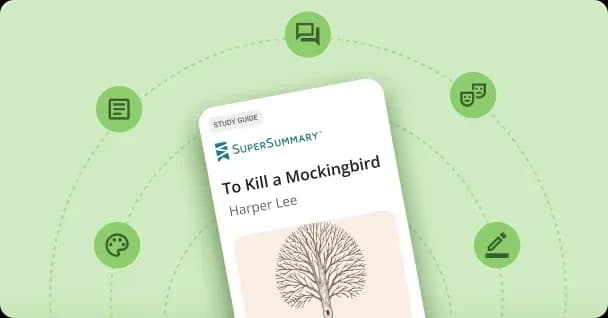
Book Activities
Turn any title into a hands-on experience with creative prompts and projects for readers of every age.
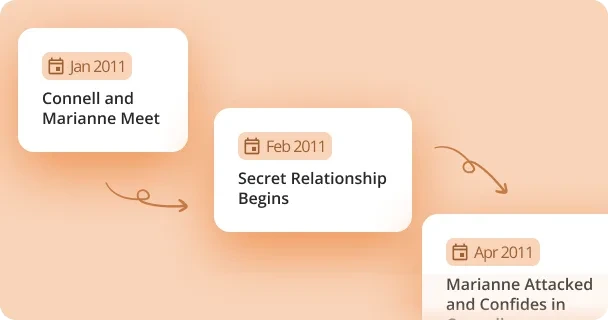
Timeline
See how all the pieces fit—every key event laid out in order, perfect for complex plots, layered storylines, and big casts.
Frequently Asked Questions
A book recap is a quick, spoiler-free summary of everything that has happened in a story up to a certain point. Instead of rereading earlier chapters, you get the key events, characters, and details you need to catch up on a book and keep reading with confidence. With Story Recap, that chapter-by-chapter summary is built from expert Study Guides, so it stays accurate to the book you’re actually reading.
Search for your book, select the last chapter you finished, and choose how detailed you want the recap to be—brief, moderate, or detailed. Story Recap then builds a spoiler-free summary of everything up to exactly where you left off, without giving away anything ahead. Because it starts at your bookmark, you can catch up on a book in seconds and pick up reading right where you stopped.
Yes. Once you have your book recap, you can refine it on request—ask for a new angle, like a recap of just the last chapter or two, and get it in seconds. Story Recap adapts the depth to match your memory, so whether you want a broad spoiler-free overview or a tight chapter-by-chapter catch-up, you get exactly the level of detail that helps you keep reading.
Each recap comes together in three steps: search your title, choose the last chapter you finished, and set how detailed you want it. Because Story Recap is built on expert-crafted SuperSummary Study Guides and real chapter-by-chapter analysis, your recap stays true to the book’s actual events and characters—and stops exactly where you left off, so nothing ahead is spoiled. You can refine it in seconds to go broader or more detailed.
You can use Story Recap once for free to create a full, spoiler-free book recap, so it’s easy to catch up on a book and get back to reading right away. After that, unlimited recaps—plus all of SuperSummary’s other tools—are included with a Plus membership, giving book clubs and individual readers one place to refresh their memory before the next chapter or discussion.
Unlike asking ChatGPT for a book recap, Story Recap is grounded in expert-crafted Study Guides—real, chapter-by-chapter analysis rather than a model’s best guess—so it stays accurate to the book and free of invented details. It also stops exactly where you stopped, giving you a spoiler-free recap that protects what’s ahead. The result is a dependable way to catch up on a book and keep reading with confidence.
Recaps aren’t saved to your account, but you can copy or print your book recap before you close the tab so you have it later. Keep that copy and it’s ready the next time you pick the book back up—a spoiler-free reminder of everything up to where you left off, with no rereading. Just be sure to copy or print it before you leave the page.